ERP Systems
ERP Implementation Checklist for UAE Companies
8 min read · August 10, 2026
A practical ERP implementation checklist for UAE companies, covering planning, payroll, integrations, data migration, security, and successful go-live.
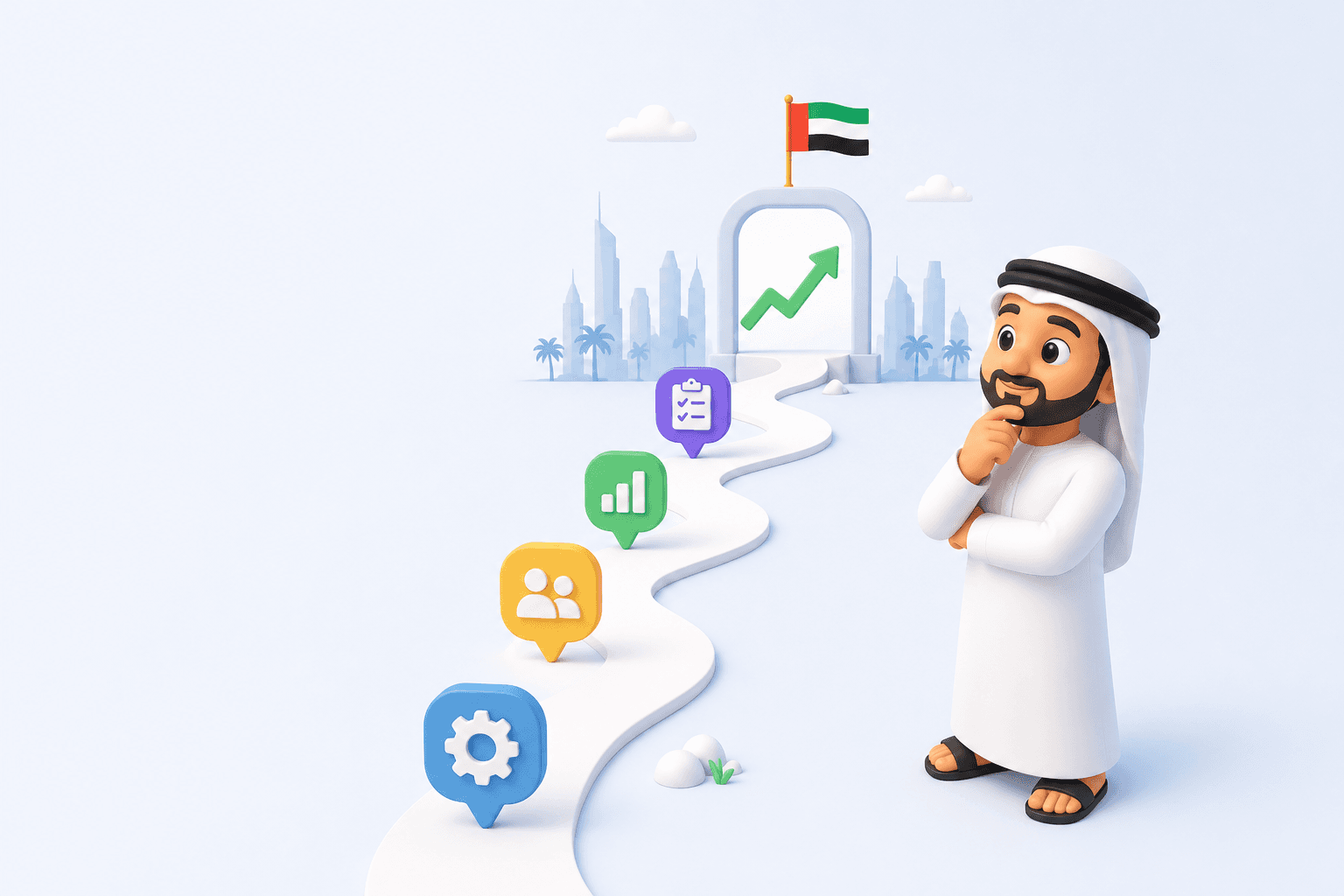
Buying an ERP is the easy part. Implementing it well is where most of the real value or real regret actually happens. A rushed rollout with no plan can leave you with a very expensive version of the spreadsheet chaos you were trying to escape: half migrated data, confused staff, and a system nobody fully trusts. A structured one turns into the operational backbone your business runs on for years, quietly making every department's job easier.
The difference between those two outcomes almost never comes down to the software itself. It comes down to process how well the rollout is planned, sequenced, and supported. This checklist walks through exactly what a proper ERP software Dubai implementation should look like, from the first internal conversation to the weeks after go live, so nothing critical slips through the cracks.
Before You Even Talk to a Vendor
Most implementation problems don't start during the build they start before anyone's even chosen a provider. Getting internal clarity first saves enormous time later.
Map your current business operations — write down, department by department, how work actually happens today, not how it's "supposed to"
Identify your biggest pain points — is it payroll taking too long, inventory numbers being unreliable, or approvals getting stuck? Rank them
List every tool currently in use — accounting software, CRM, POS, scheduling apps anything the new system might need to connect to
Set a realistic budget range, including room for customization, training, and ongoing support, not just the headline software cost
Get leadership buy in early — an ERP touches every department, and it fails fastest when only one team is actually invested in it
Decide which departments go first — most successful rollouts start with one or two functions rather than switching everything on at once
Skipping this stage is the single most common reason implementations run over budget and over time. You can't scope a system properly if you don't know what you're actually solving for and vendors can only quote as accurately as the information you give them. The businesses that walk in with a clear picture of their own operations almost always end up with smoother, cheaper, faster rollouts than those who start shopping before they've done this groundwork.
Choosing Between Off the Shelf and Custom ERP Software
This decision shapes almost everything that follows, so it's worth making deliberately rather than defaulting to whatever a vendor pushes first.
Setup speed — off the shelf is faster to get running; custom ERP software takes longer but is built to fit from day one
Fit to your workflows — off the shelf tends to be generic; custom systems match how you actually operate
Flexibility for UAE specific needs like VAT and WPS payroll sometimes limited on generic platforms, built in from the start on custom ones
Long term scalability — off the shelf can be outgrown as you scale; custom is designed to grow alongside the business
If your business has fairly standard processes a straightforward HR structure, simple inventory, no unusual approval chains off the shelf can work well and get you live faster. If your workflows have real quirks, working with a dedicated ERP development company to build custom ERP software usually pays off within the first year, simply because you're not fighting the system to make it do what you need.
There's also a middle path worth knowing about: many modern platforms are modular enough to start with a mostly off the shelf core and add targeted customization only where your business genuinely differs from the standard template. This keeps costs down while still solving the specific friction points that would otherwise force staff into manual workarounds.
Selecting the Right Modules
Not every business needs every module on day one. Choosing deliberately, rather than buying everything upfront, keeps cost and complexity manageable.
HR ERP software / HRMS — employee records, onboarding, and document management; usually the natural starting point
Payroll automation — connects to attendance and calculates salaries, deductions, and WPS compliant payments automatically
Attendance management — biometric or app based check ins feeding directly into payroll and reporting
Leave management — request, approval, and balance tracking with a full audit trail
Employee self service portal — lets staff manage their own leave requests, pay slips, and personal details
Finance management — accounting, invoicing, VAT reporting, and financial visibility across the business
Inventory management — real-time stock tracking, reorder alerts, and multi location visibility
Procurement — purchase orders, vendor management, and approval trails from request to payment
Workflow approvals — automated routing so nothing gets stuck waiting on a forgotten email
Most UAE businesses start with HR and payroll, since manual payroll processing tends to be the most painful and error prone process to run on spreadsheets especially with WPS compliance requirements adding another layer of precision that manual calculation makes risky. Finance, inventory, and procurement typically follow once the first phase proves itself and the team has built confidence in the new system.
Vendor and Partner Evaluation
Choosing who builds and implements your system matters as much as choosing the system itself.
● Check their UAE specific experience — local labor law, WPS payroll compliance, and VAT requirements aren't optional extras
● Ask about their approach to ERP integration — how will the new system connect with your existing accounting software, CRM, or POS?
● Review case studies or references from businesses of a similar size and industry, not just their biggest logo client
● Clarify what's included in the quote — implementation, training, data migration, and ongoing support are often priced separately
● Ask what happens after go live — do they offer continued support, or does the relationship end the moment the system is switched on?
● Get a realistic timeline, and be wary of anyone promising a full rollout in an unrealistically short window
A reputable ERP development company will ask you more questions than you ask them at this stage that's usually a good sign they're scoping properly rather than selling a template.
Data Migration: The Step Everyone Underestimates
Moving years of records out of Excel and legacy systems is rarely as simple as it sounds, and it's one of the most common places implementations run over schedule.
Audit existing data across HR, finance, and inventory spreadsheets for accuracy before migrating it garbage in, garbage out
Clean and standardize formats — inconsistent date formats, duplicate entries, and mismatched naming conventions cause problems later
Decide what actually needs to migrate versus what can be archived not every historical record needs to live in the new system
Run a test migration on a small dataset before committing to the full transfer
Back up everything before the final migration, no exceptions
Rushing this step to hit a launch date is one of the fastest ways to end up with an ERP full of bad data which defeats the entire point of moving away from unreliable spreadsheets in the first place. A system is only as trustworthy as the data inside it, and no amount of good configuration fixes numbers that were wrong before they were ever migrated.
Configuration and Customization
This is where the system starts to actually reflect how your business runs, rather than a generic template.
Set up approval hierarchies for workflow approvals — who signs off on what, and what happens if they're unavailable
Configure payroll rules specific to your business allowances, deductions, overtime calculations, and WPS formatting
Set inventory reorder points and multi location rules if you operate across more than one warehouse or outlet
Define user roles and permissions — not everyone needs access to every module, and finance data especially should be restricted
Test integrations with existing tools thoroughly before going live, not after
Training Your Team
The best system in the world fails if the people using it every day don't understand it or don't trust it.
Run role specific training — HR needs different training than finance or procurement, and generic sessions tend to lose people
Create simple reference guides for common tasks, so staff aren't relying on memory in the first few weeks
Identify internal champions in each department who can answer quick questions without escalating every issue to IT
Schedule refresher sessions a few weeks after launch, once people have hit real questions from actual use
Set expectations early that there will be an adjustment period productivity often dips briefly before it improves
Employees who feel confident in the employee self service portal and their day-to-day tools adopt the system faster and complain less training time upfront saves support tickets for months afterward. It's tempting to treat training as a formality squeezed into the last week before launch, but it's often the single biggest predictor of whether a rollout is remembered as a success or a headache six months later.
Testing Before Go Live
Never skip a proper testing phase, even under pressure to launch quickly.
Run a full payroll cycle in test mode before it touches real salaries
Test approval chains end to end to confirm requests route to the right people
Verify attendance management data flows correctly into payroll calculations
Check finance management reports against manually calculated figures to confirm accuracy
Get a small group of real users to test the system in their actual daily workflow, not just IT staff
Go Live and the First 90 Days
Launch day isn't the finish line — it's the start of the phase where most of the real adjustments happen.
● Run parallel systems briefly if possible keeping spreadsheets as backup for the first payroll cycle or two reduces risk
● Monitor closely for the first few weeks, catching small configuration issues before they compound
● Collect feedback actively from each department rather than waiting for complaints to surface on their own
● Track key metrics — time saved on payroll, reduction in manual reconciliation, faster approval turnaround
● Review and adjust configurations based on real usage, since some assumptions made during setup will need tweaking
A Typical Implementation Timeline
Exact timelines vary by scope, but this gives a realistic sense of how the phases usually stack up for a mid-sized UAE business:
● Internal scoping - 1–2 weeks, covering mapping operations, pain points, budget, and buy-in
● Vendor selection - 2–4 weeks, evaluating providers and reviewing quotes and references
● Configuration and customization — 4–8 weeks, setting up modules, approval hierarchies, and integrations
● Data migration — 2–4 weeks, auditing, cleaning, and transferring records
● Training — 1–2 weeks, running role-specific sessions and preparing reference materials
● Testing — 1–2 weeks, running parallel systems, payroll test cycles, and real user testing
● Go live and stabilization — the first 90 days, spent monitoring, collecting feedback, and adjusting configurations
Businesses in a hurry sometimes try to compress this into a few weeks flat. It's technically possible, but it almost always means skipping a step that resurfaces as a bigger problem later usually data migration or training, the two phases people are most tempted to rush.
Common Mistakes UAE Companies Make During Implementation
Even well-planned rollouts run into predictable problems. Knowing them in advance helps you avoid repeating them.
● Trying to launch everything at once instead of rolling out module by module a "big bang" launch across HR, finance, inventory, and procurement simultaneously multiplies the risk of something going wrong at exactly the moment your business can least afford confusion
● Underestimating data migration time, leading to rushed, inaccurate transfers that undermine trust in the system before it's even properly live
● Skipping proper training, which leads to low adoption and staff reverting to old spreadsheets the moment something feels unfamiliar or slow
● Not involving department heads early, resulting in a system that doesn't match how teams actually work, forcing awkward workarounds after the fact
● Choosing the cheapest quote without checking what's actually included in scope support, training, and future scalability are often the first things stripped out of a bargain price
● Forgetting UAE specific compliance needs like WPS payroll formatting until it's too late to configure properly, which can mean a costly rebuild of the payroll module after launch
Why a Structured Checklist Matters
Enterprise resource planning touches nearly every part of a business at once HR, finance, inventory, procurement which is exactly why implementations without a clear plan tend to spiral. A checklist doesn't make the process instant, but it makes it predictable: everyone knows what stage the project is in, what's left to do, and what "done" actually looks like.
For UAE companies specifically, getting this right also means building in compliance from day one WPS payroll requirements, VAT reporting, and labor law considerations aren't things you want to retrofit after go live. A properly scoped ERP integration plan accounts for these from the very first configuration meeting, not as an afterthought once something breaks.
The Bottom Line
A successful ERP implementation isn't about finding the perfect software it's about following a disciplined process: mapping your operations honestly, choosing the right partner, migrating data carefully, training your team properly, and testing before you trust the system with real payroll and real numbers. None of these steps are glamorous, and none of them show up in a vendor's sales pitch, but they're the difference between a system that gets adopted and one that quietly gets abandoned.
Businesses that treat implementation as a project with clear phases rather than a single big switch to flip consistently end up with systems that actually get used, rather than expensive software quietly abandoned in favor of the old spreadsheets six months later. Work through this checklist deliberately, budget realistic time for each phase, and involve the people who'll actually use the system every day, and the switch from scattered manual processes to a single, connected system becomes a lot less daunting and a lot more likely to stick for the long run.